 Uptown Funk AI
Genjutsu Preset Library
Compare source and result, explore ordered references and prompts, and load a complete workflow into your studio.
Upload a source video of at least 4 seconds and 1–8 reference images. Source motion guides a new performance. Use Select segment on the video card to choose 4–30 seconds; otherwise the first 30 seconds are used.
Generation is not available yet. Browse examples, prepare references and save your draft.
Genjutsu workflow presets
Find a workflow, not just a look
Trace a result back to its source, references and instructions.
See the result. Understand the recipe.
Browse by mode, topic and keyword in the workspace above. Compare the source with each variant, inspect its ordered images, and start from a complete example that fits the change you want to make.
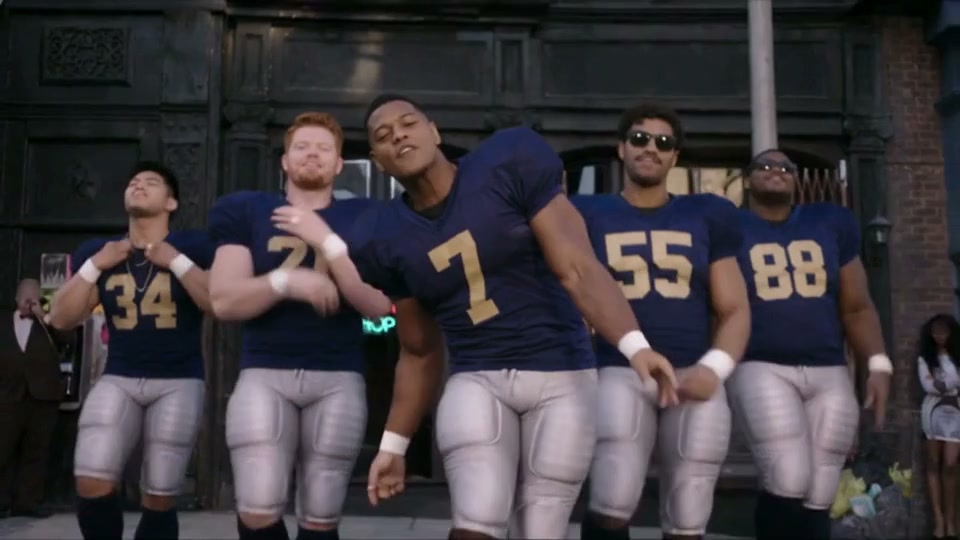
Uptown Funk examples use Seedance 2.5. The CEO reference is credited to The SI Maximalist; the wizard and football versions were generated for this project. Open the MV studio to reuse their inputs.
From inspiration to a reusable draft
Source, references, direction and review belong in one workflow.
Find a direction
Use mode, topic and search filters to narrow the library to your idea.
Compare the same moment
Slide between source and result. Open details to inspect other variants.
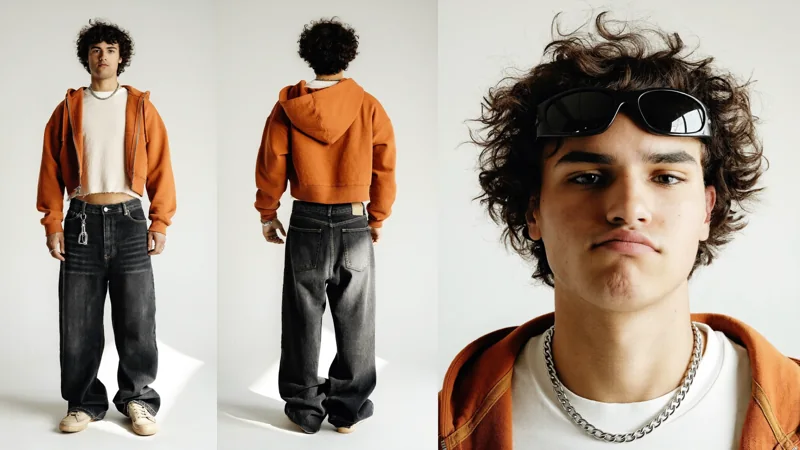
Read the complete inputs
Check the original video, ordered images, prompt and reuse availability.
Load, then make it yours
Import an eligible workflow, adjust its references and review the quote before generating.
Open an example. Follow every input.
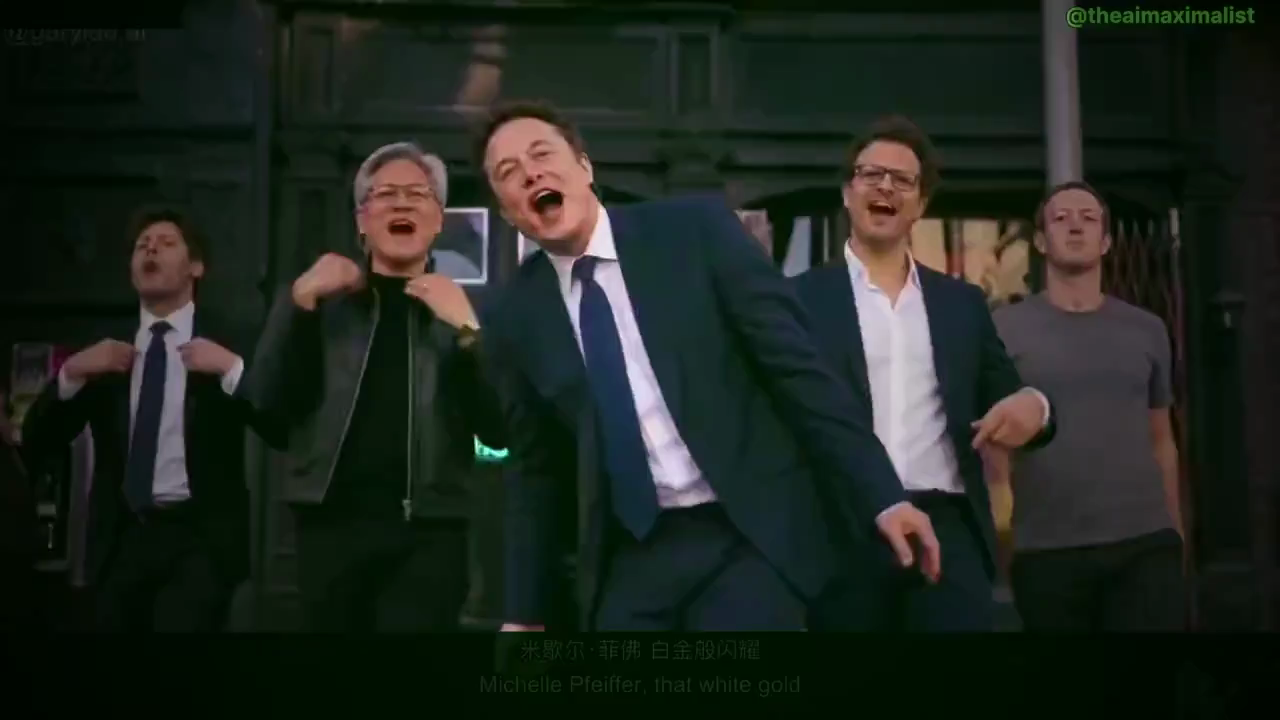
Use the original street choreography with the business-leader cast and navy business attire from the reference. This is a third-party example; the provider may reject recognizable-person references.
Reusing inputs is free. Generation starts only after you submit in the studio.
Different ideas. Complete starting points.
Inspect real example inputs before loading them into your studio.
Use the workspace filters above to explore the full collection and its variants.
Browse all presetsChoose the workflow that matches your idea.
Use Motion Transfer when the performance is your starting point. Use Object Swap when a subject inside the shot is your target. Use Restyle to change the whole visual style. The mode label, source video and reference order help you decide what to reuse.
Read the workflow guideUptown Funk AI workflow guides
Original guides to preparing inputs, inspecting examples and understanding your request.
Before you create
A few practical details about inputs, reuse and review.
A clearer start. A better next step.
Need help with your workflow? hi@uptownfunkai.com ↗
01What should I prepare?
Motion Transfer and Object Swap use one source video and 1–8 reference images. Restyle uses one video, one style and 0–5 optional character images. Choose a 4–30 second segment; otherwise at most the first 30 seconds are used. Duration and framing follow the prepared source. Object Swap requires at least 409,600 pixels per source frame.
02Why can some examples only be viewed?
Some upstream originals exceed public API limits. They remain available for inspection, with original reuse disabled. If a separately labeled adaptation is available, inspect its changed inputs before using it; adaptations are not generation-verified.
03What does Use This Prompt load?
The complete source video, ordered reference images, prompt and matching mode. Compatible current settings are preserved. Loading inputs does not start generation or charge credits; review your draft and submit separately.
04What should I inspect in the result?
Compare timing, body movement, identity and camera continuity. For Object Swap examples, also inspect target edges, overlaps and the surrounding scene. References guide a result rather than guarantee an exact copy.
05How do I check the cost?
The prepared source duration is rounded up to whole seconds and priced at the selected resolution. Review the studio credit quote before submitting. Each new generation is quoted and settled separately.
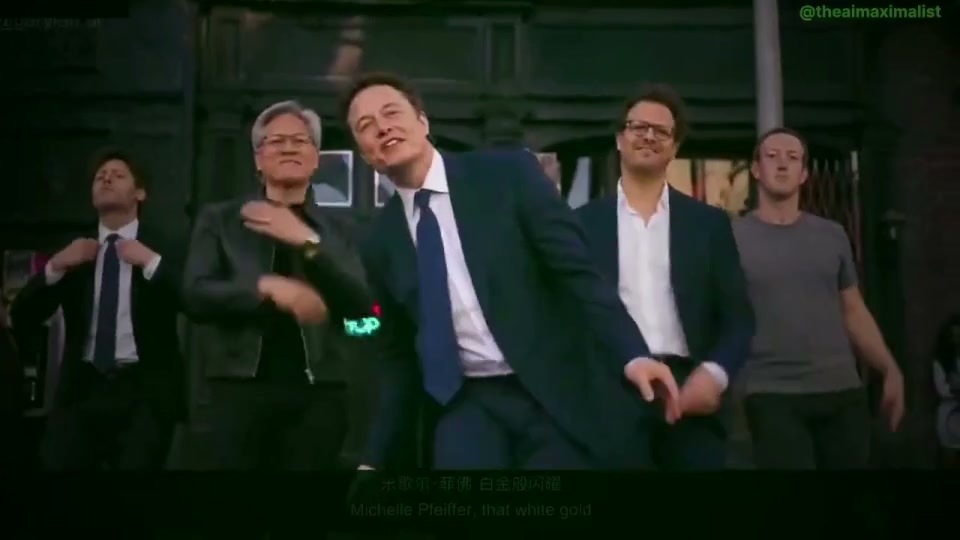
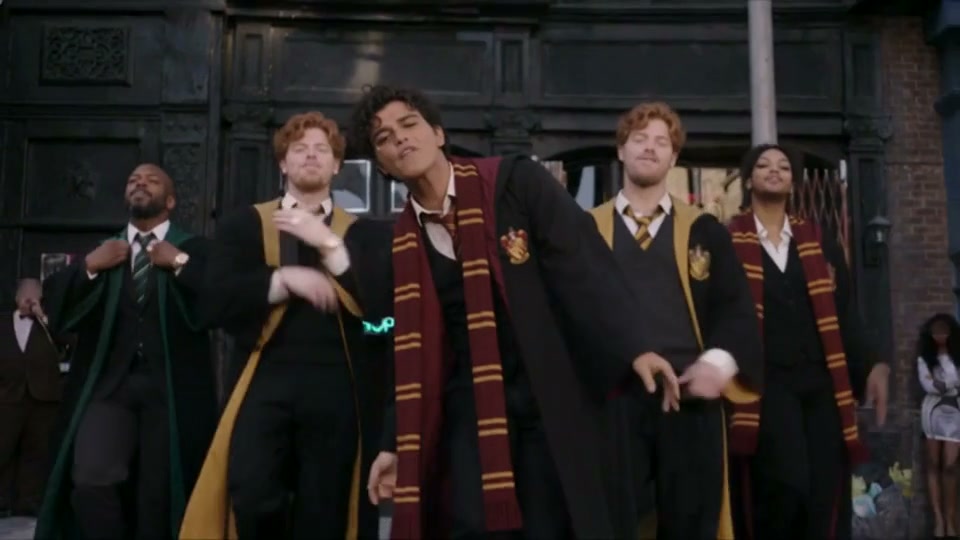
Find your starting point. Make the next version yours.
Start from a complete example, or bring your own source and references.
Back to the library